What are Debounced Notifications?
By default, alerts send a notification every time the condition is met. If your alert checks every 10 minutes and the condition persists, you'll get an email every 10 minutes.
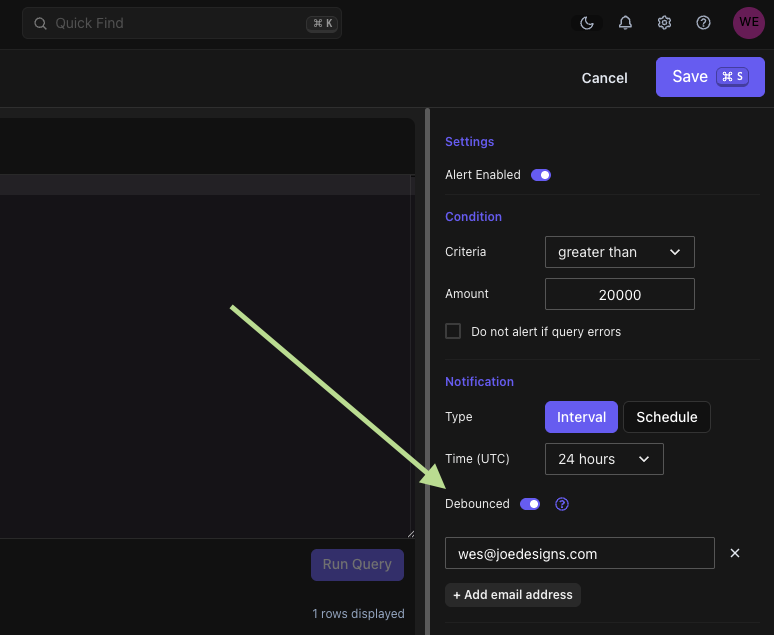
With debounce enabled, you'll receive one notification when the alert triggers, then silence until the issue resolves. When the condition clears, you'll get a restoration notification confirming the alert has recovered.
Example
An alert triggers when error count exceeds 100, checking every 10 minutes:
Without debounce: You receive 3 emails while the error count stays high, then nothing when it recovers.
With debounce: You receive 1 email when it first spikes, then 1 email when it returns to normal.
How to Enable
In your alert's Notification settings, check "Debounce notifications" and save. Alerts with debounce enabled show a purple "Debounce" tag in the Alerts list.
Benefits
- Reduced Noise: Fewer emails during ongoing issues.
- Clearer Communication: One alert when issues start and one when they resolve.
- Easier Management: Focus on new issues without repeated notifications for the same problem.
Happy alerting!