In Tractorscope, account settings control the shared configuration for data connections, access management, embed security, company details, and other workspace-level behavior.
Account settings control how a Tractorscope account connects to data, manages access, secures embeds, and maintains company-level configuration.
Main settings areas
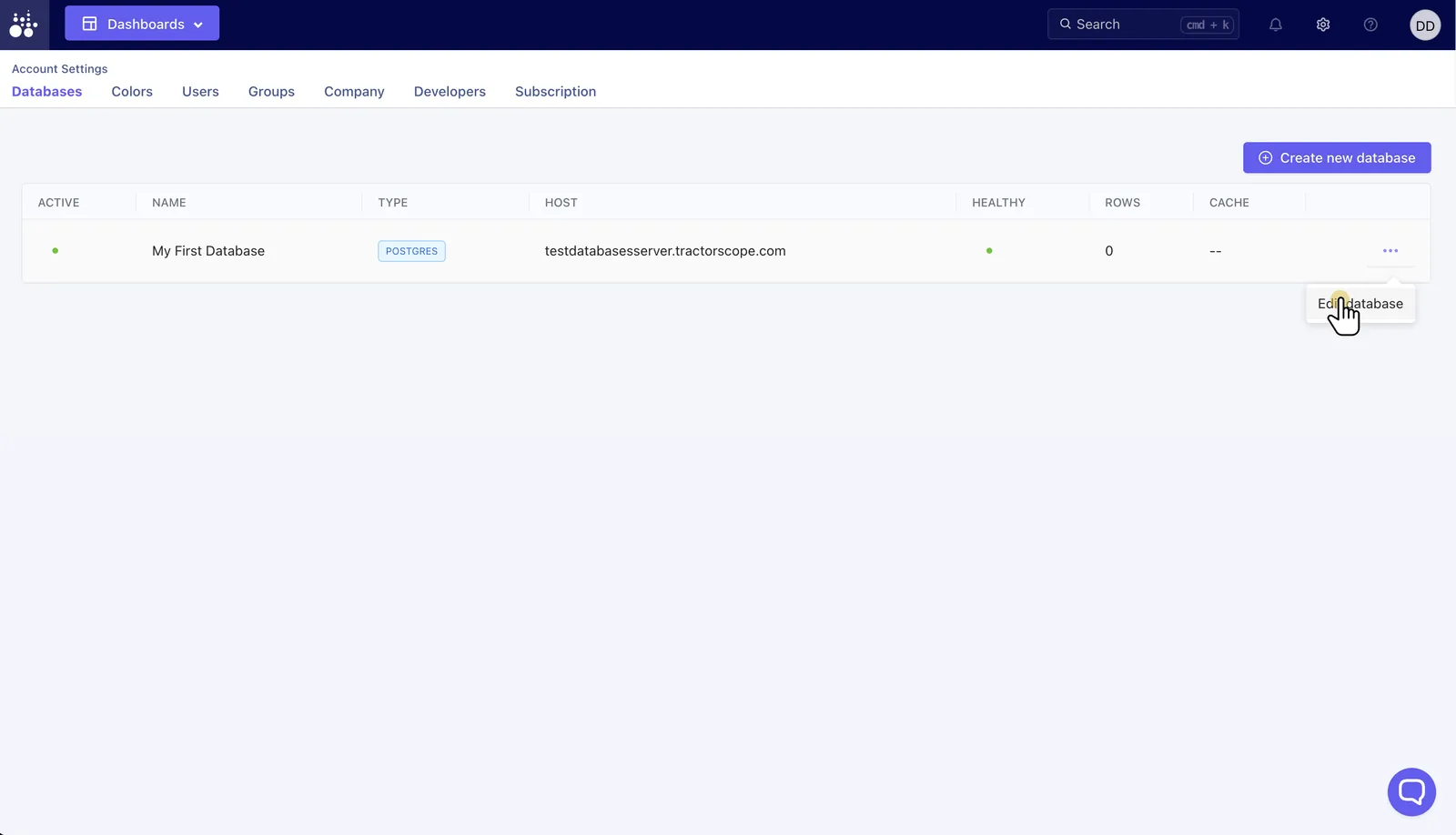
- Databases: Add, edit, activate, suspend, and monitor database connections.
- Colors: Manage reusable color groups for charts.
- Users: Invite, resend invitations, update, or deactivate users.
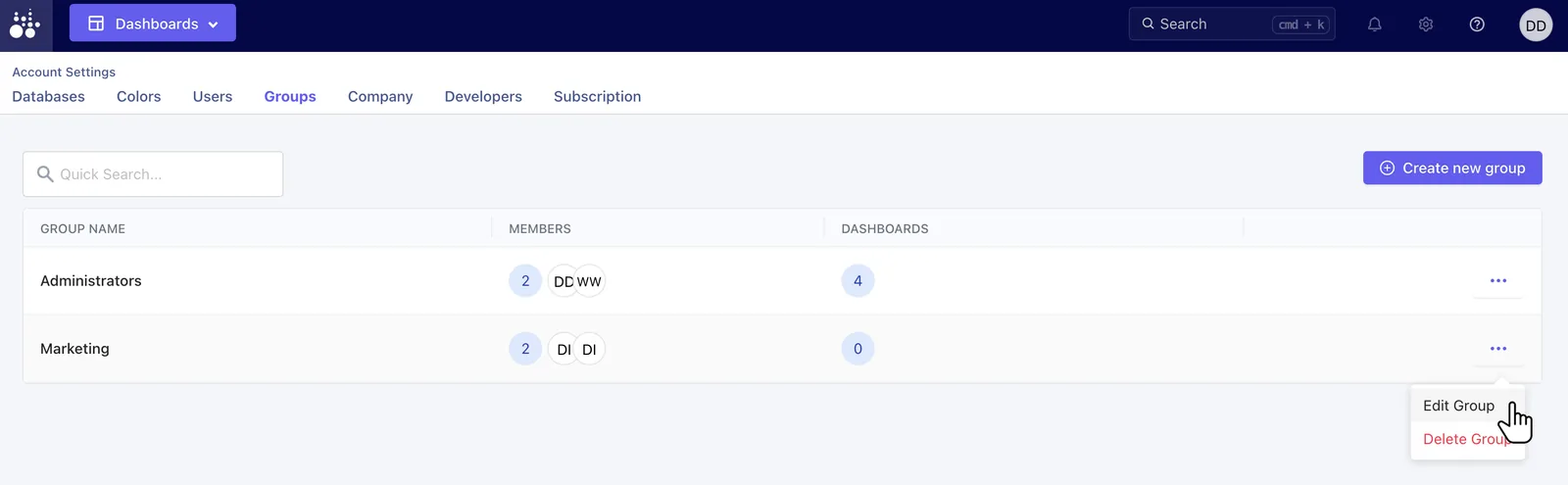
- Groups: Organize users and dashboard permissions.
- Company: Manage company profile information.
- API keys: Create and revoke server-side keys for embed signing.
- Domains: Manage allowed domains for embedded analytics.
- Subscription: Review plan and billing-related settings.
Each area is a tab under Settings. Databases is where connections are added and their health is shown:
Groups is where dashboard permissions are granted:
Admin access
Account settings are intended for administrators. Non-admin users may not have access to these pages.