Dashboard design settings help make Tractorscope dashboards clear, consistent, and aligned with your brand.
Account colors
Color groups define reusable palettes for chart series. Use them to keep dashboards consistent across teams, customers, and embedded experiences.
Colour groups are account-level, under Settings → Colors, so one palette can serve every dashboard:
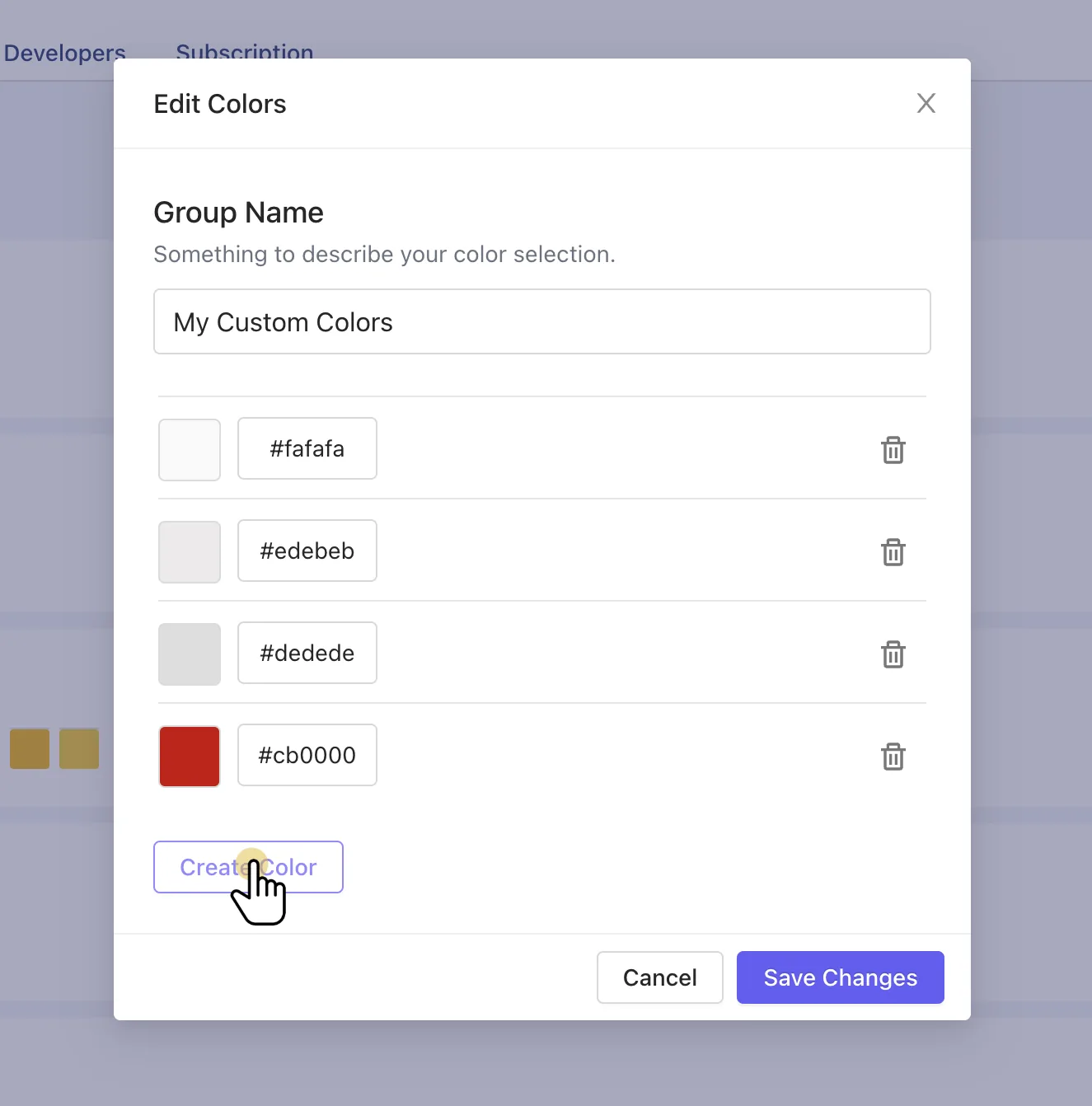
Chart styling
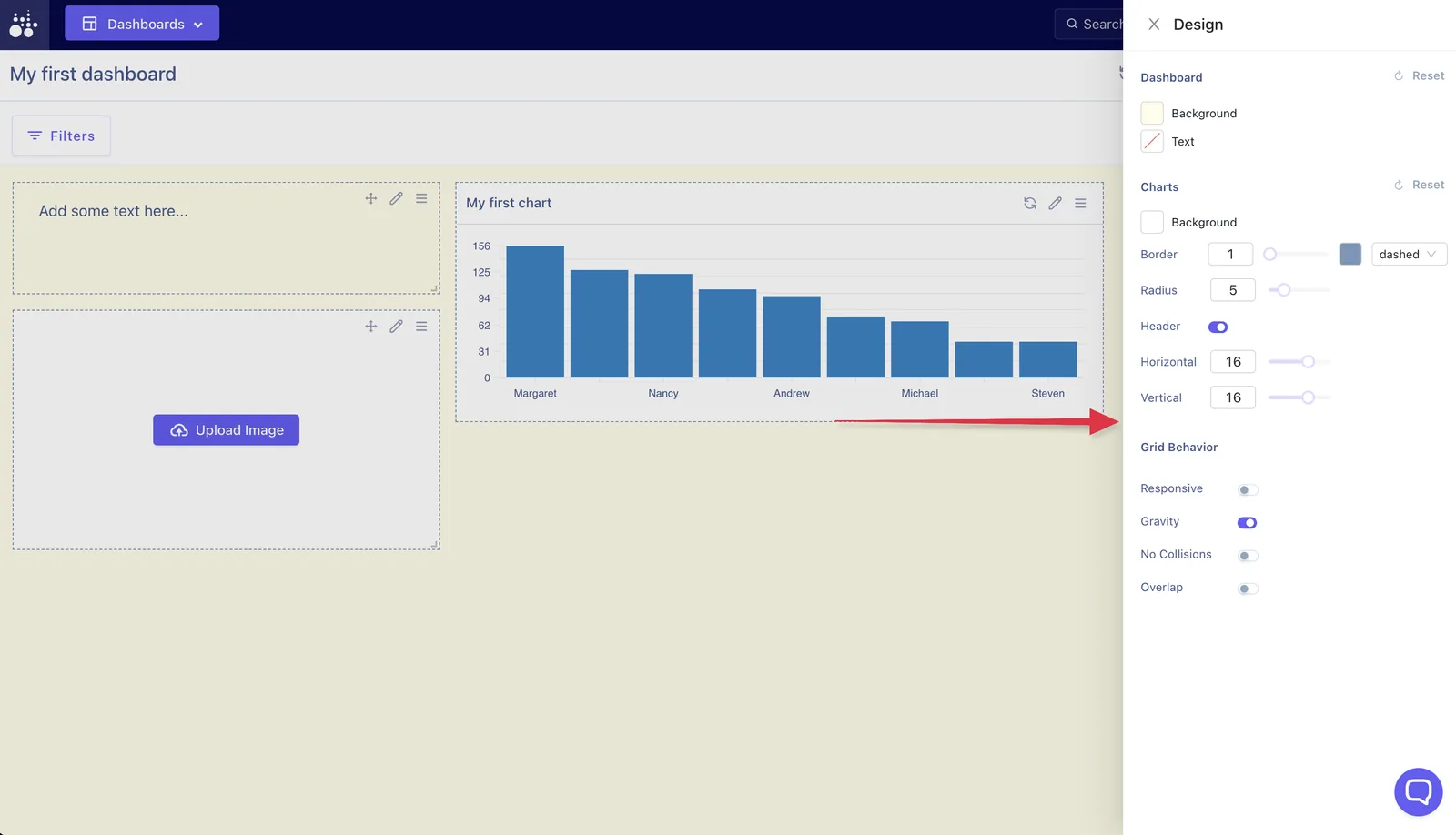
Charts can have settings for colors, labels, axes, legends, tooltips, background color, text color, border size, and chart margins.
Dashboard-level design settings sit in their own panel, covering both the dashboard and the charts on it:
Dashboard content
Use text and images to add context, section labels, instructions, brand assets, or supporting visuals.
Design recommendations
- Use consistent color groups.
- Keep related charts close together.
- Put the most important metrics first.
- Avoid overloading dashboards with too many chart types.
- Use text blocks for short context, not long explanations.
- Match embedded dashboard styling to the host product when possible.