Table charts display SQL query results as rows and columns. They are useful when viewers need detailed records rather than a summary visualization.
Common uses
- Customer lists
- Orders and transactions
- Recent activity
- Exception reports
- Operational queues
- Drilldown tables below summary charts
Formatting
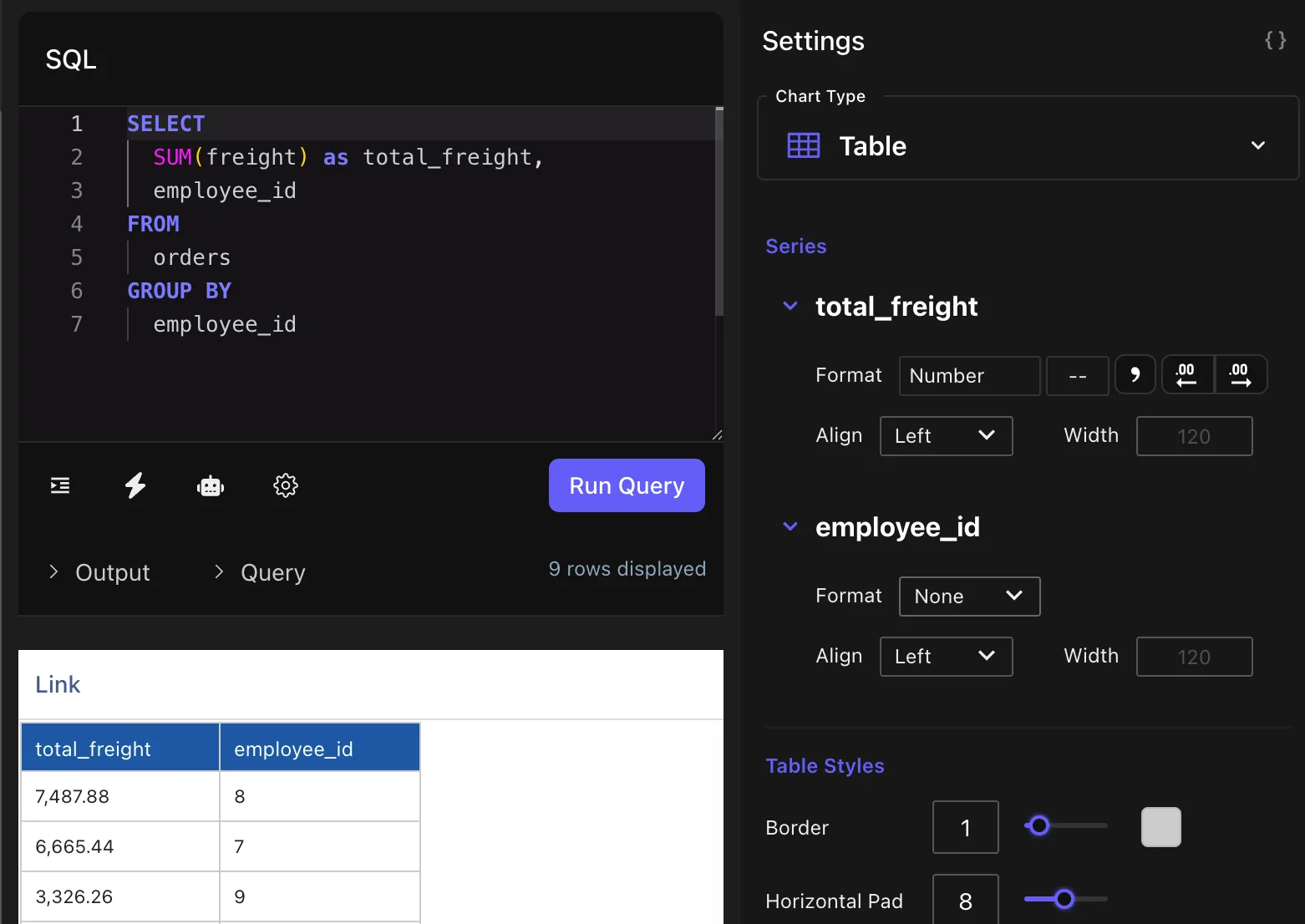
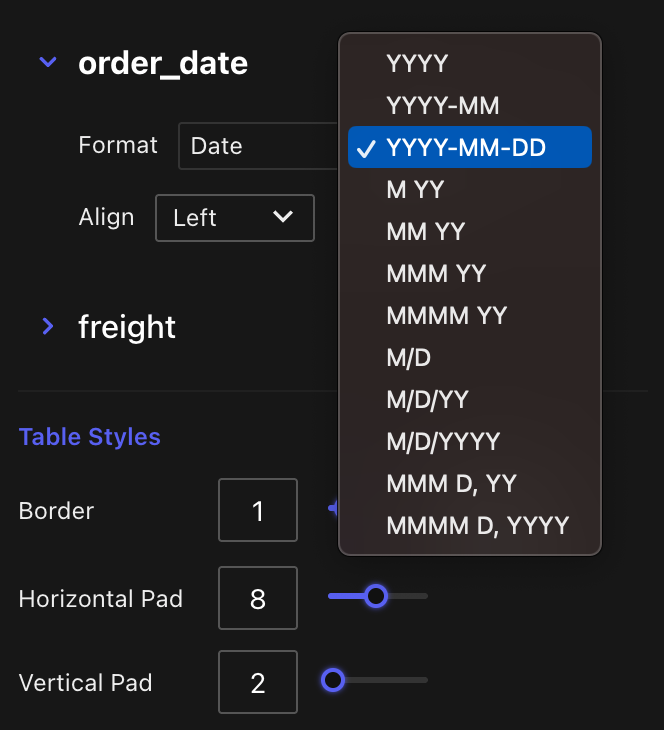
Table charts can format numbers, accounting values, percentages, and dates. Formatting is applied in chart settings so you do not need to rewrite every query only to change display style.
Links
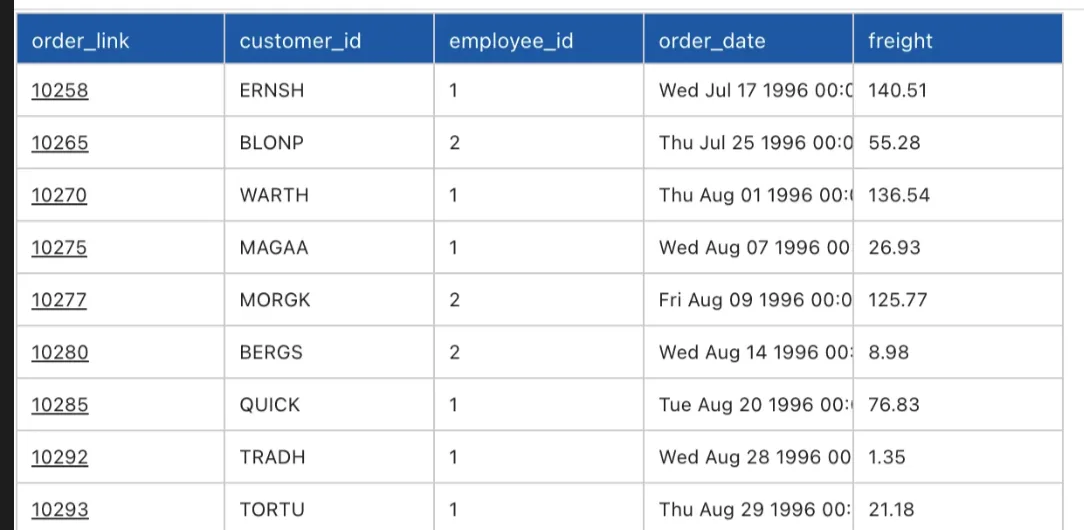
You can create clickable table links by returning Markdown link syntax from SQL, such as
[View order](https://example.com/orders/123)
.
Conditional formatting
Use conditional formatting to highlight values that meet certain conditions, such as high totals, failed statuses, or records needing review.
Data bars
Data bars help compare numeric values inside a table without switching to a chart type. They are useful for ranking, progress, or relative magnitude.
Tips
- Alias columns with human-readable labels.
- Keep detailed tables below summary charts when possible.
- Use links to connect dashboard rows to source systems.
- Use formatting settings for display and SQL for data logic.